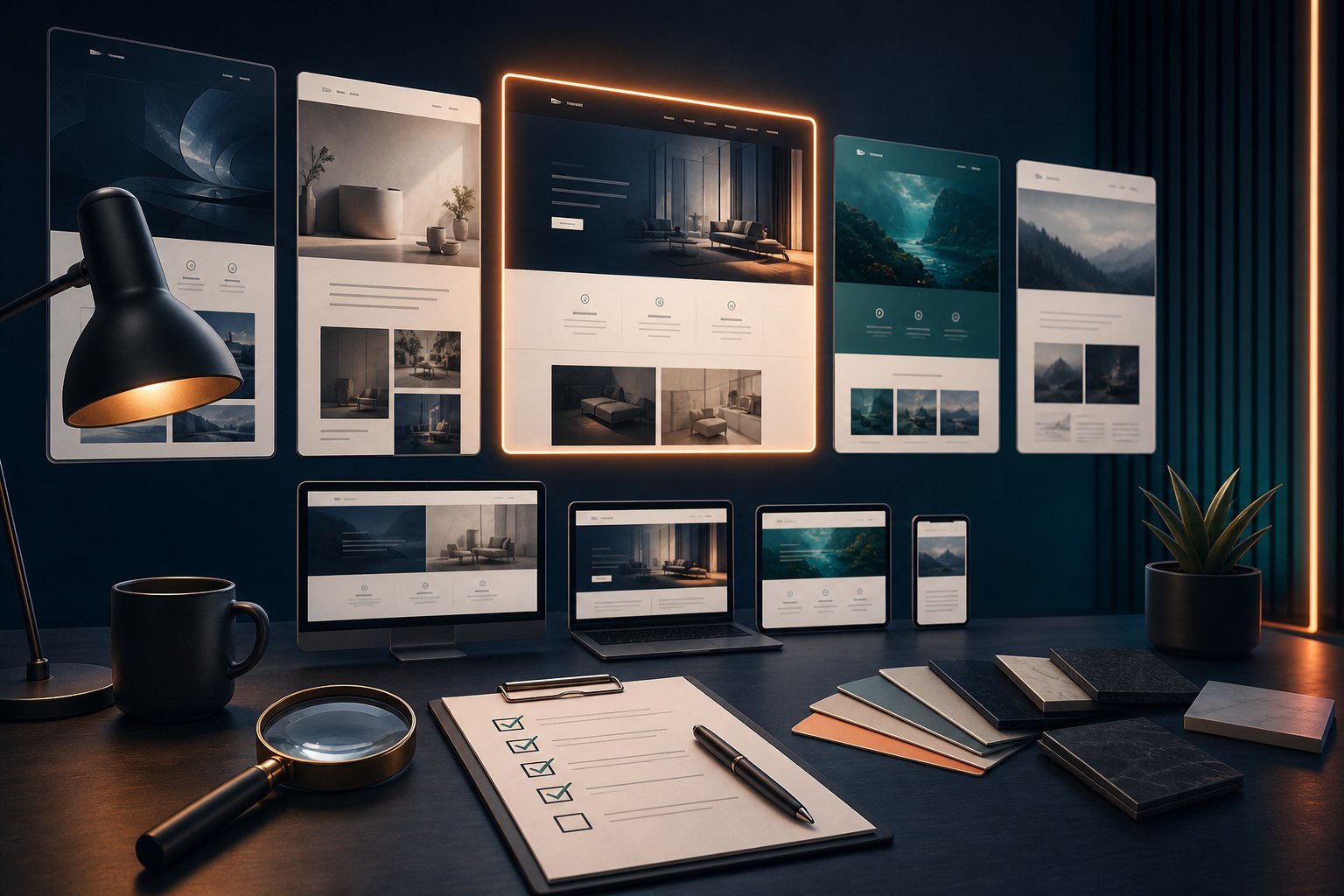
A polished demo can make almost any premium theme look like the perfect choice. The real test is whether the theme fits your content, works with your tools and remains manageable after the demo photographs and sample copy are removed.
Begin with content and customer journeys
List the page types the site needs: home, services, team, case studies, articles, products, bookings or member content. Then map the most important visitor journeys. Choose a theme whose structure supports those needs without forcing every page into a decorative demo layout.
Check the editing model
Find out whether the theme uses the WordPress block editor, its own options, a page builder or a combination. Confirm that your team can edit routine content without touching fragile layout controls. Too many overlapping systems can make future changes confusing.
Review quality, not only appearance
- Test the demo at narrow mobile widths and on a short laptop screen.
- Check keyboard navigation, focus visibility, contrast and text size.
- Look for a lightweight starting point rather than many forced features.
- Confirm compatibility with your current WordPress and PHP environment.
- Review the update history, documentation and support terms.
- Check whether bundled plugins require separate renewals.
Understand the licence
Clarify the number of websites covered, the subscription period, what happens after expiry and whether updates are automatic. If buying through a reseller, establish whether support comes from the reseller or original developer and whether the offer includes an official vendor key.
Avoid demo-content surprises
Demo images, fonts and premium extensions may not all be included. Imported demos can also add many pages, menus and media files that you do not need. Ask what is licensed for production use and plan to replace sample assets with original, properly licensed content.
Test before committing the whole project
When possible, install the theme in staging and build one representative page. Check responsive behaviour, editing, performance and plugin compatibility. A small proof of concept can expose costly limitations before the full site depends on the theme.
Stardetha can help you evaluate a theme against your actual requirements. Browse the Plugin Store or request a compatibility consultation before purchasing.