
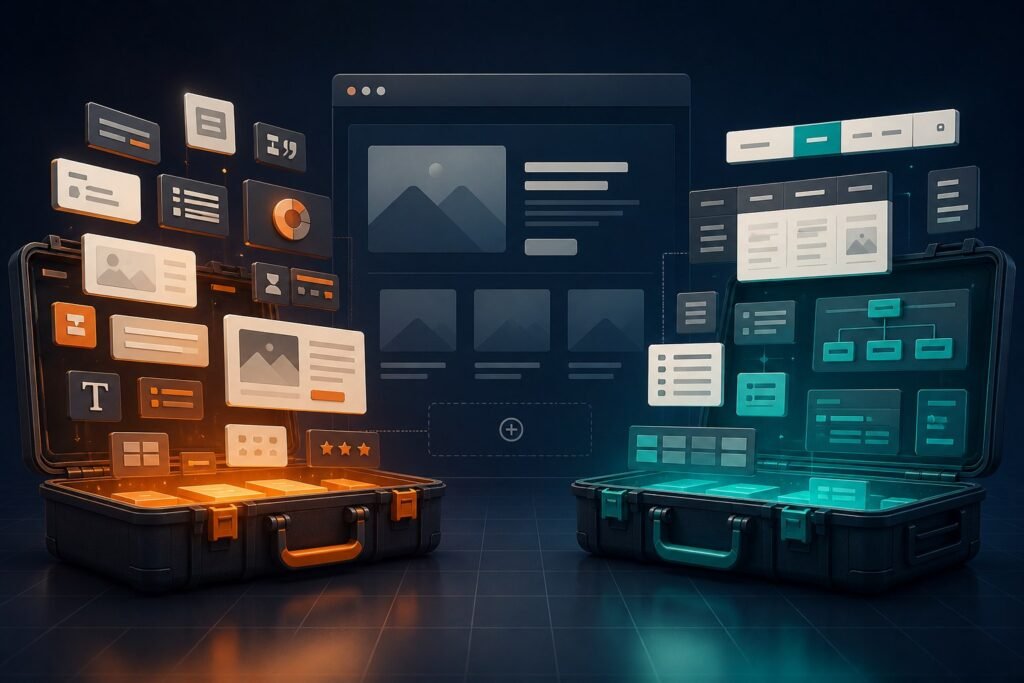
Izengezo eziyisisekelo ne-Izinto zeKit zombili zfuthiisa umhleli we-Elementor, kodwa ukufaka zombili ngokujwayelekile akuyona isu eliqinile. Iziqu ezihlinzekwa yizona ziyaphindaphindeka, futhi yonke imodyuli eyengeziwe idala enye into okufanele uyilungiselele, uyivuselele futhi uyihlolise. Khetha ithuluzi eligcwalisa igebe elichaziwe kuwebhusayithi yakho.
Qala ngomphumela odingekayo
Bhala phansi izingxenye zangempela i-projekthi ezidingayo: mhlawumbe igalari engahlungiwe, amathebhu athuthukile, ithebula lamazinga entengo, imenyu enkulu noma isihloko esenziwe ngokwezifiso. Bese uqhathanisa lezo zidingo kuphela. Uhlu olude lwezici luyamangaza, kodwa ama-widget angasetshenziswanga awakhi inani kumakhasimende.
Lapho ama-Izengezo eziyisisekelo angafaneleka khona
I-Izengezo eziyisisekelo ivame ukucatshangelwa ekwfuthiiseni okuqukethwe kwekhasi ngombuthano obanzi wezinto ze-Elementor nezfuthiiso. Izilawuli zayo zivumela abaphathi besayithi ukuthi bavule noma bavale izinto, okusiza uma ufuna ukugcina umhleli egxile kumamojula i-projekthi empeleni ewawasebenzisayo.
Lapho i-Izinto zeKit ingase ifanele
Izinto zeKit ihlanganisa ama-widget namathuluzi abanzi okwakha isayithi. Kuncike enguqulweni yamanje kanye nohlelo, ithuluzi layo lingase libe usizo uma iphrojekthi idinga amakhono afana nokwakha i-header ne-footer, ukulawula i-mega-menu noma eminye imodyuli ehlanganisiwe kanye nama-widget okuqukethwe.
Sebenzisa lolu hlu lokuhlola lokuqhathanisa
- Umdlalo ovelele: Yiliphi inketho ehlanganisa zonke izingxenye ezibalulekile ngokuphindaphinda okuncane kakhulu?
- Isipiliyoni sokuhlela: Ingabe umuntu ophethe isayithi angakuqonda futhi angawasebenzisa kabusha ama-widget akhethiwe?
- Ukusebenza: Ngabe izingxenye noma amamojula angasetshenziswanga angavalwa?
- Ukuhambisana: Ingabe isebenza ngesihloko samanje, inguqulo ye-Elementor kanye namanye ama-plugin abalulekile?
- Ukusekela nezibuyekezo: Ubani ohlinzeka ngelayisensi, izibuyekezo nosizo uma kukhona okungahambi kahle?
- Izindleko zokuvuselela: Ingabe intengo ekhona iyafaneleka ngenani lezici ezidingekayo?
Isiphakamiso sethu
Sebenzisa kuqala amathuluzi ayisisekelo e-Elementor. Faka ithuluzi elilodwa kuphela uma lihlangabezana nezidingo ezichaziwe, futhi uvule kuphela amamojula adingekayo kusayithi. Ngaphambi kokushintsha iwebhusayithi esivele isunguliwe, yenza isipele bese uhlola ushintsho endaweni yokuhlola uma kungenzeka.
Ukuze uthole imininingwane yakamuva yezici, bheka kumthombo osemthethweni. Imibhalo yama-Addons abalulekile futhi Uhlu lwezinto ze-Izinto zeKitUngabuye uqhathanise ezika-Stardetha. Izengezo eziyisisekelo futhi Izinto zeKit Izinketho ngaphambi kokubhuka ukubonisana.
Comments